

Now taking pilot properties

Run your rooms, your staff and your money from one place.

HotelSimplify is hotel software for hotels, lodges, homestays and resorts in India. Bookings, check-in, housekeeping, GST invoices and the night audit, in one app on your desk PC and your staff's phones. Guests book and check in from their own phone.

Travel agent or reseller? Join the agent network or become a partner.

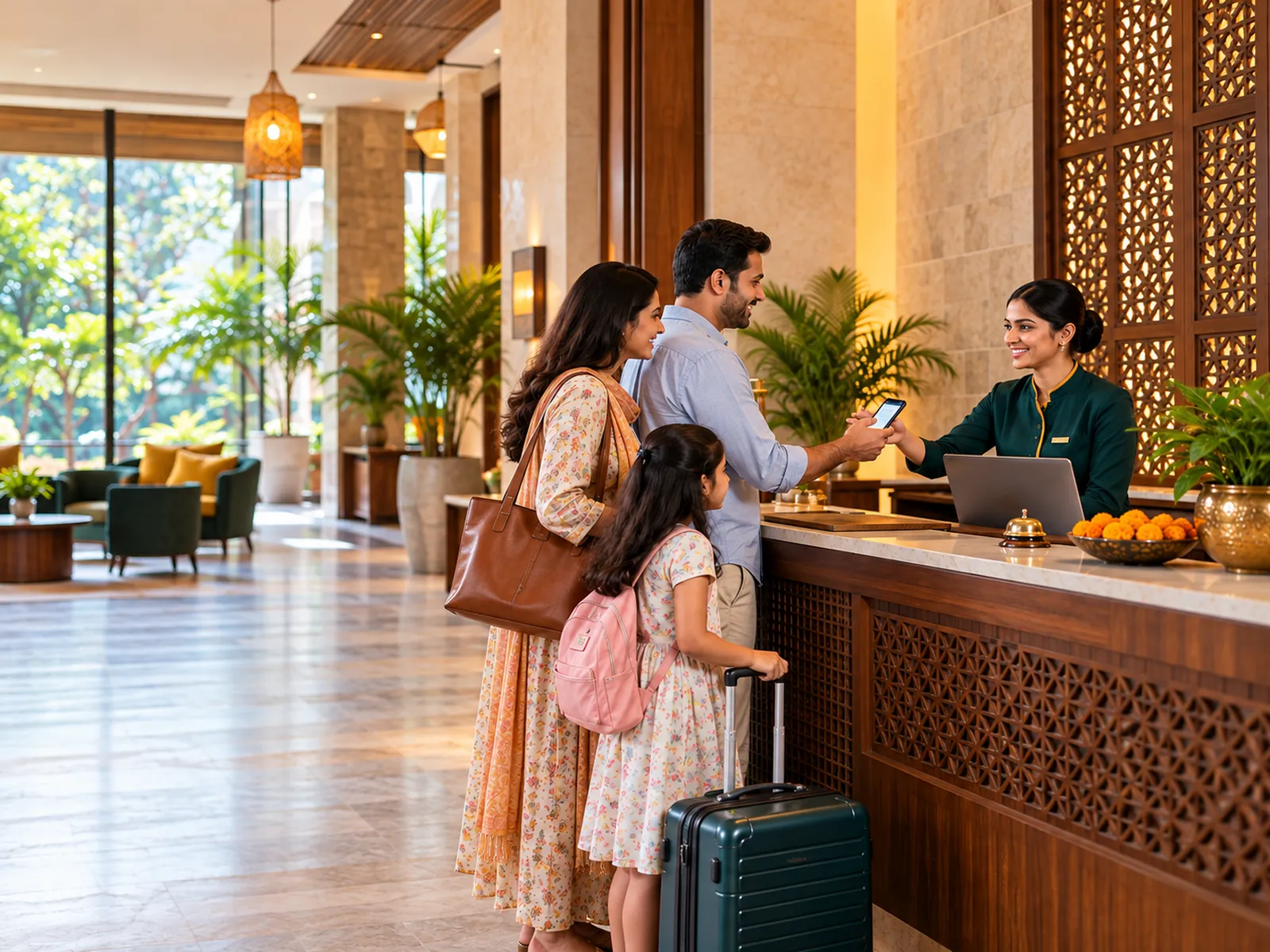
A receptionist welcoming a family at the front desk of a small Indian hotel
Room board
Hotel Aravali, Udaipur (example)

Made for every kind of stay.

From a four-room homestay to a group of hotels. Switch on only what your property needs.

  • A modern mid-sized city hotel building in India at duskHotelsFront desk to night audit
  • A cosy hillside homestay with a verandah and mountain viewHomestays and lodgesRun it from your phone
  • Cottages around a pool at an Indian resortResortsCottages, meal plans, events
  • Young travellers in a bright hostel dorm with bunk bedsHostelsDorm beds sold one by one
  • The courtyard of a heritage haveli guest house in RajasthanHeritage stays and dharamshalasGuest register and Form C ready
  • A garden lawn set up for an Indian wedding functionBanquets and lawnsBy slot, hour or day
A day at your property

From the first booking to the night audit, one record follows the guest.

Nobody re-types a name, a room or an amount. Whatever the desk enters reaches housekeeping, the bill, the GST invoice and the owner's reports.

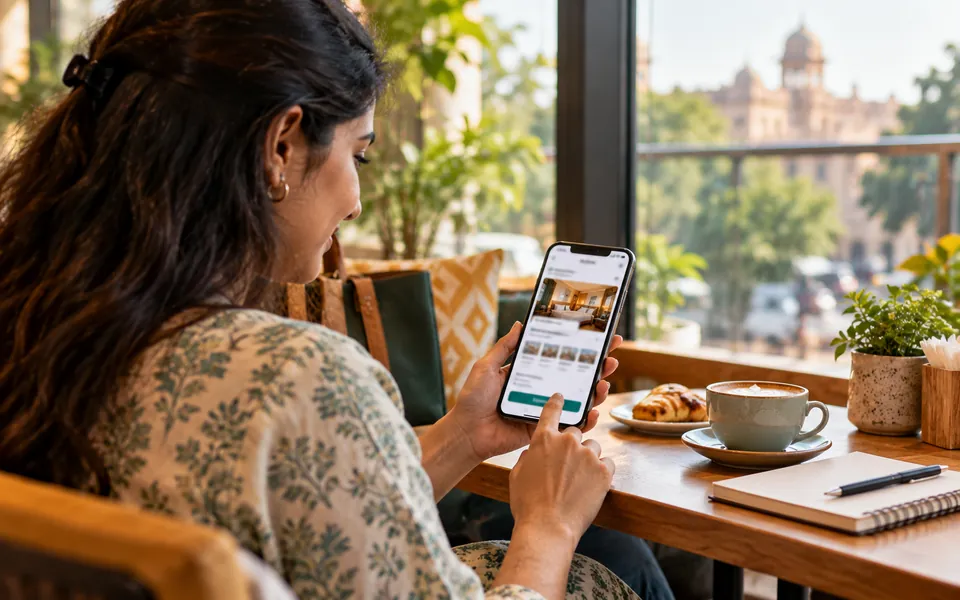
  1. A traveller booking a hotel room on her phone10:40

    A booking comes in

    From your own booking page, an agent, a phone call or a walk-in. The room is held and the board updates.

    Booking page, agent portal, desk
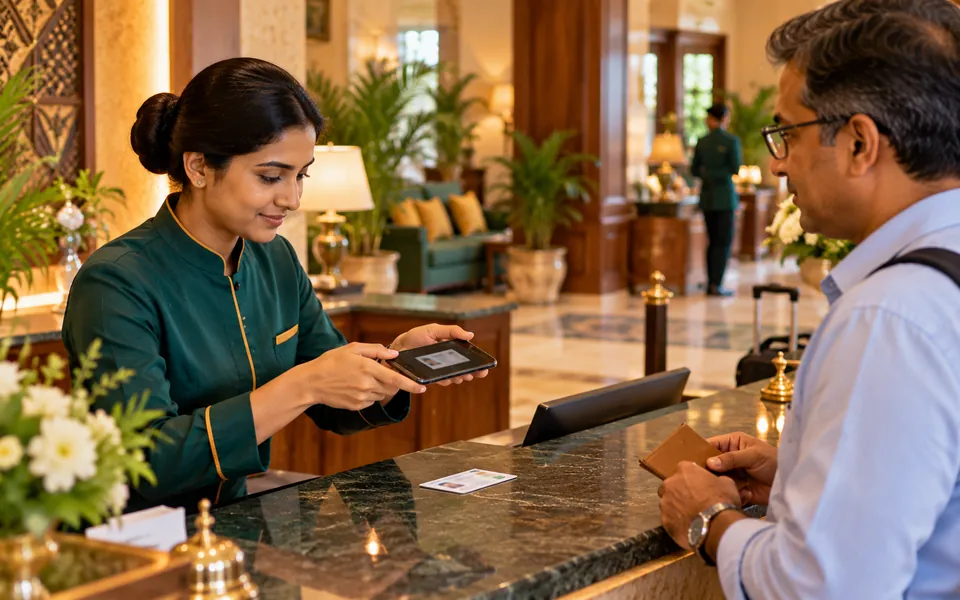
  2. A receptionist taking a photo of a guest's ID with a phone during check-in12:00

    The guest checks in

    ID details, Form C for foreign guests, advance taken. Fixed-time, 24-hour or mixed check-in rules, per property.

    Front desk
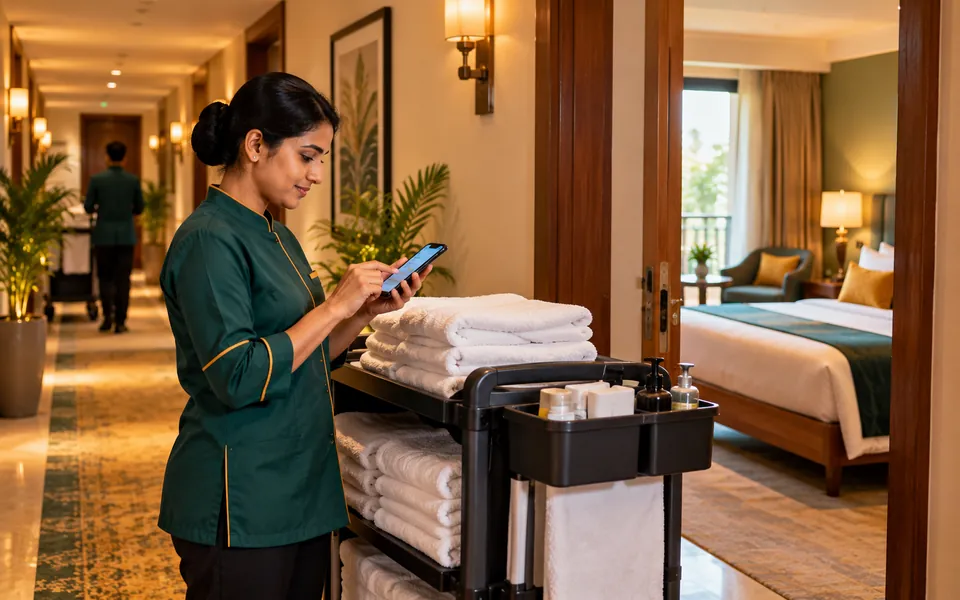
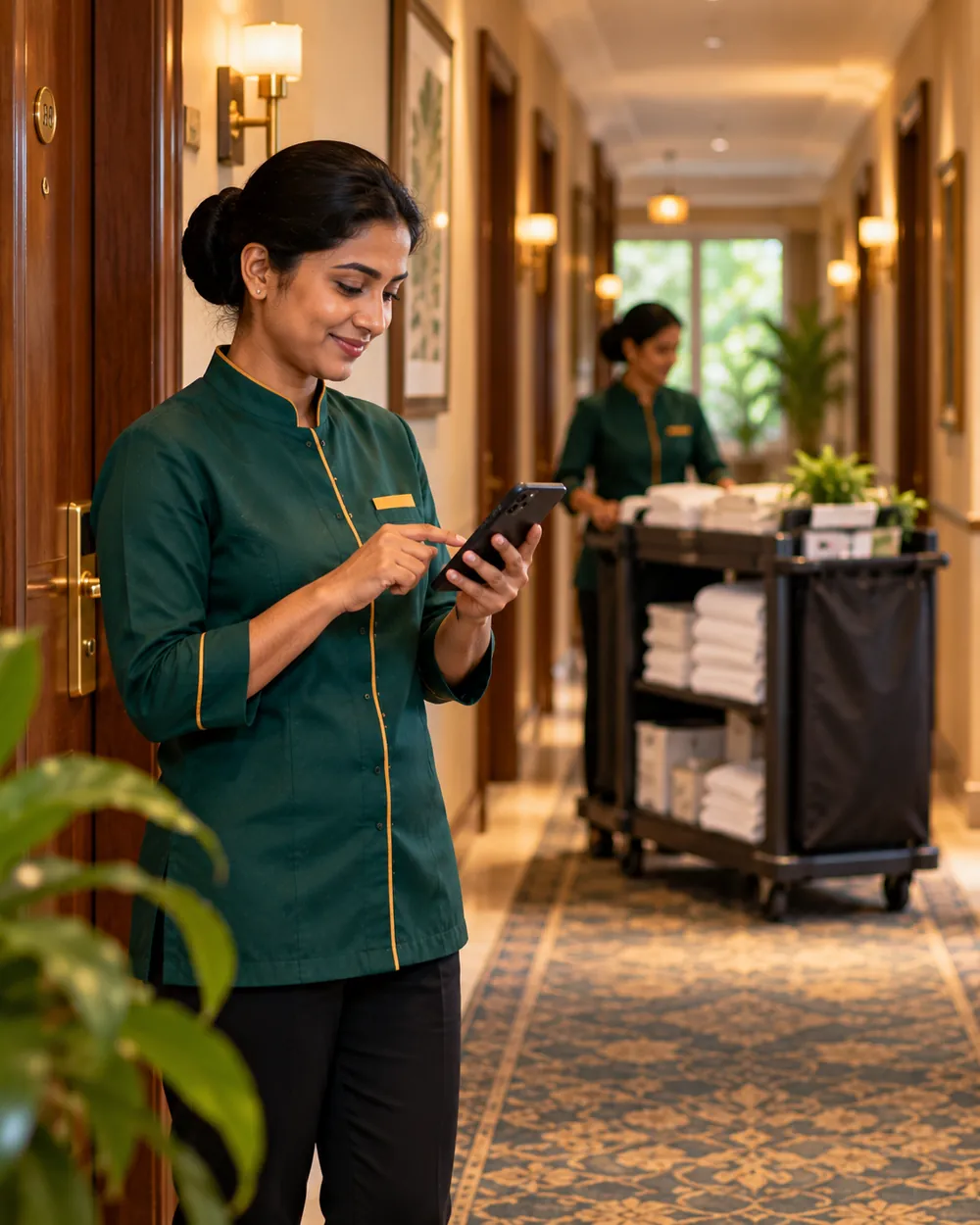
  3. A housekeeper marking a room clean on her phone in a hotel corridor19:30

    The stay goes on

    Rooms are cleaned, a tap gets fixed, dinner from your restaurant lands on the room bill. With guest screens, guests ask from their own phone.

    Staff app, guest's phone
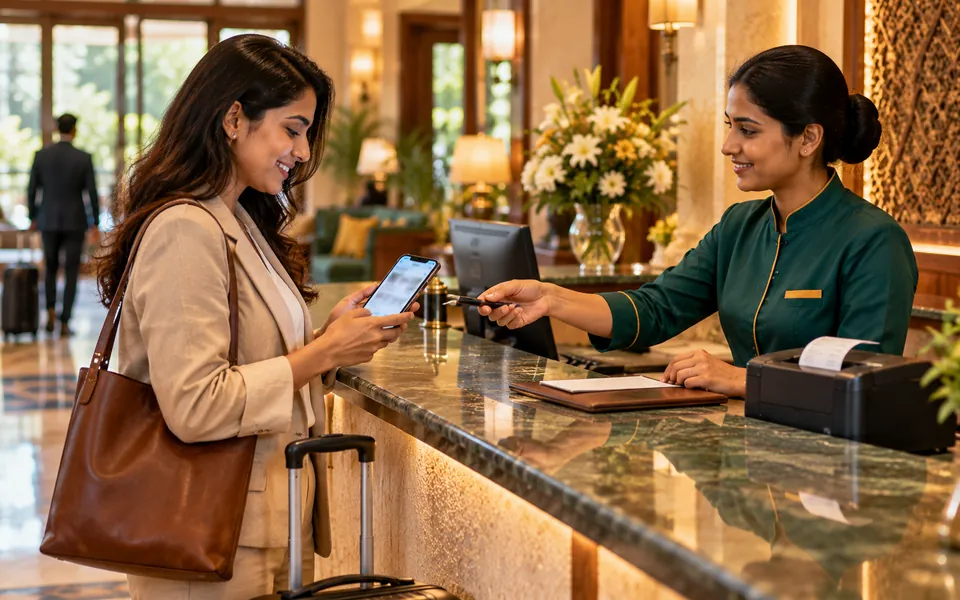
  4. A guest checking out and receiving the invoice on her phone11:00

    The guest checks out

    The bill adds itself up. Issue the GST invoice, take payment by cash, card or online, and send it on WhatsApp or email.

    Front desk
  5. A night manager closing the day at the front desk03:00

    The night audit closes the day

    Room charges post, the day locks, and the owner's numbers are ready by morning. You're told if the audit is overdue.

    Desk, owner's phone
Who it's for

One system, a different screen for everyone who touches a booking.

Know how your property did last night, without calling the desk.

Whether you run six rooms or six properties, you see the same live picture your staff do.

  • Occupancy, room revenue and money collected, each morning after the night audit
  • Approve discounts, refunds and write-offs from the app on your phone
  • Reports on a schedule, sent to your inbox as a file
  • Every change logged: who did what, and when
Book a demo
A hotel owner checking his property's numbers on his phone
What it does

Everything a property runs on, built in from day one.

Switch on what you need. A homestay can ignore halls and groups; a resort can use all of it.

Front desk

A room board for the week, quick check-in and check-out, and the bill always up to date.

  • Drag bookings between rooms; the board stops double bookings
  • Guest ID with fixed formats (12-digit Aadhaar), Form C for foreign guests
  • Advances, split bills, company bills and credit to companies
  • Prints on A4, A5, thermal or dot-matrix printers
  • Receipts and booking vouchers in your own print style; late check-out charges waived with the manager's approval
Money and GST

GST is worked out on every charge, so the invoice is right the first time.

  • GST invoices, credit notes and the GSTR-1 file for your accountant
  • Online payments through Razorpay or PayU

Housekeeping and maintenance

Staff see their own list on their phone and mark rooms clean as they go.

  • Dirty rooms turn into cleaning tasks
  • Repair tickets with photos; rooms taken out of order stay off sale
  • Lost and found, guest requests, stores and assets

Bookings from everywhere

Your own booking page with photos and online payment, travel agents in their own app, and OTAs such as MakeMyTrip and Goibibo through a built-in channel link.

  • Rates by weekday, weekend and festival, and by room
  • Rooms set aside for agents (agent slots) and commission plans
  • Guest messages by SMS, WhatsApp and email, in English and Hindi

Café and outlets

Serve tea, coffee and breakfast without a restaurant system, and charge laundry, spa, minibar or transport to the room.

  • A built-in café menu for breakfast, tea and coffee, and refreshments
  • Every charge to a room prints a slip for the guest to sign
  • The check-out invoice lists every service the guest had

Groups, dorms and venues

  • Room blocks with a cut-off date, rooming lists and one master bill
  • Dorm beds sold one by one, in mixed, men-only or women-only dorms
  • Halls, lawns and gardens by slot, by the hour or by the day
  • The whole property for a wedding or retreat

Reports

  • Occupancy, revenue, collections, arrivals and in-house lists
  • Charts on the key reports, and a Trends page for 30 days to 12 months
  • An owner dashboard that's ready after each night audit
  • Export to Excel, PDF or CSV, or get them by email on a schedule
  • Approvals for discounts, refunds and write-offs
The HotelSimplify app

Housekeeping keeps working when the Wi-Fi doesn't.

Everyone at your property works in the HotelSimplify app, on Windows PCs and Android phones. Cleaning lists, repairs and guest requests work offline and catch up when the signal comes back.

  • Works offline for tasksRoom cleaned, repair done, request handled: saved on the phone first.
  • Online for moneyBookings and payments always go straight to the server, so the books never disagree.
  • Each person sees their own workHousekeepers, maintenance, the desk, managers and owners each get their own screens, in English or Hindi.

Get the app

A housekeeping supervisor checking room status on her phone
Add-ons

Add your restaurant and your accounts when you're ready.

Two sister products connect straight into HotelSimplify. Both are optional.

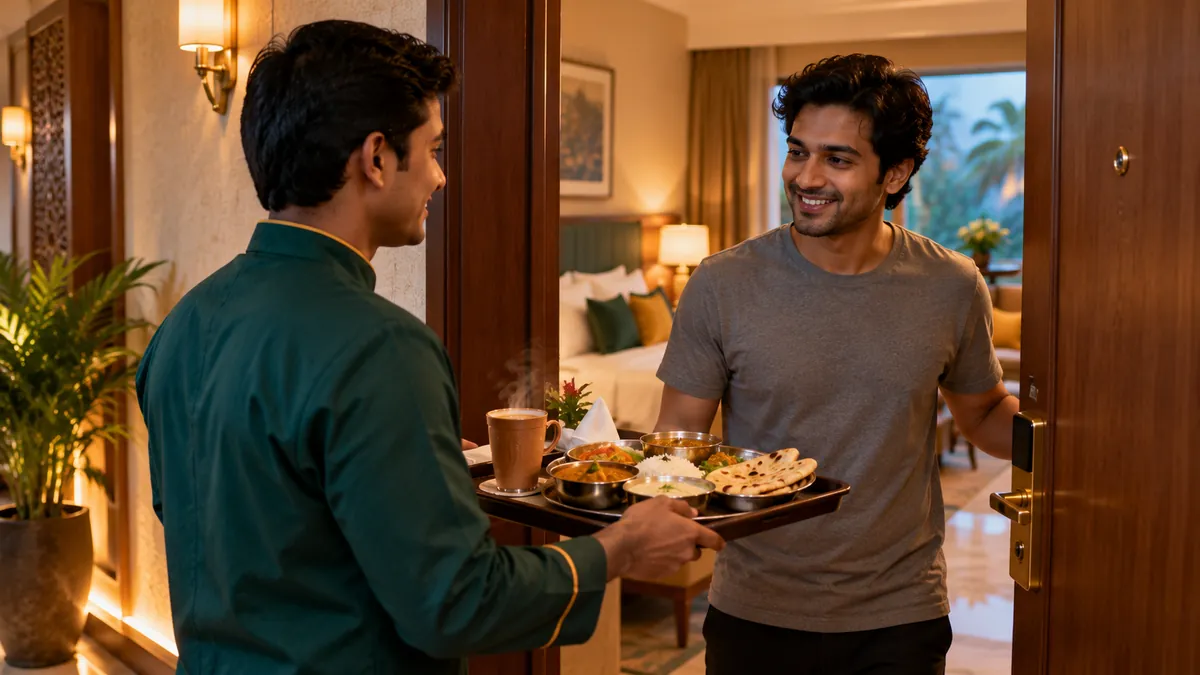
Room service: a waiter bringing a thali to a guest's room
DesiMenus

Restaurant, bar and room service

Restaurant billRoom 204's bill

Orders taken in your restaurant or bar are charged to the guest's room, item by item, with the right GST. If the link drops, the restaurant keeps billing and catches up later.

An accountant reviewing a hotel's accounts on a laptop
KashGenie

Accounting and GST returns

Closed dayVouchers in your books

After each night audit, the day's invoices, payments and commissions go to your accounts as vouchers. Your accountant works in KashGenie; nobody types them twice.

Without KashGenie you still get every hotel report, and you see only the reports that apply to you. All three products come from Oasis SoftApp Services and are built to work together.

Made for India

The details that foreign software gets wrong.

A front desk with a registration card, an ID and a thermal printer
GST on every line
Room slabs, food, services and extras, with CGST, SGST or IGST worked out by place of supply.
Form C and guest IDs
Foreign guest details captured at check-in; Aadhaar, PAN and passport numbers checked as typed.
Indian check-in rules
12 noon check-in, 24-hour stays, or both in one property, set per room type, rate or channel.
Payments people use
Cash, card and online through Razorpay or PayU, with advances, refunds and company credit.
Hindi on screen and in messages
The app in English or Hindi, more Indian languages as an add-on, and guest messages by SMS, WhatsApp and email in English and Hindi.
The printers you have
A4 and A5 sheets, 58 mm and 80 mm thermal rolls, and dot-matrix registers.

Pricing that fits a six-room homestay and a sixty-room resort.

We're setting prices with our pilot properties now. Tell us about your property and we'll send you a quote and a trial.

  • One login for every propertyAdd properties as you grow; staff only see the ones they work at.
  • Add-ons only if you want themDesiMenus and KashGenie are separate and optional.
  • Start free Ask for a quote
Moving to HotelSimplify

Get your property's data ready in Excel, even before you sign up.

The onboarding pack is one ZIP of spreadsheets for your rooms, room types, rates, meal plans, check-in and cancellation policies, amenities and corporate clients, with a sample hotel filled in and a guide to every column. Fill it in at your own pace, then import it in one go from Set up → Import and export.

Download the onboarding pack Blank files only

Questions

Things owners ask us first.

Something else? Ask the helper at the bottom right, or send us a query.

Is it too much for a small homestay?

No. You switch on only what you use. A homestay can run bookings, check-in and invoices and never see halls, groups or dorms.

Can I run more than one property?

Yes. One account holds all your properties. You switch between them in one tap, and each staff member sees only the properties they're given.

Do I install anything?

Yes, one app: HotelSimplify for Windows PCs and Android phones. Get the app. Your guests don't install anything: they book, check in and pay from their phone's browser.

What happens when the internet goes down?

In the app, housekeeping, repairs and guest requests keep working and sync later. Bookings and payments need a connection, so the money is always recorded in one place.

Does it connect to Booking.com, MakeMyTrip and other OTAs?

Yes. The channel link is built in and is going live with our pilot properties: MakeMyTrip and Goibibo first, then Booking.com, Agoda, Expedia and Airbnb. Rooms, prices and restrictions go out; bookings, changes and cancellations come in and close the room everywhere. Tell us which sites you sell on when you book a demo.

Do I need DesiMenus or KashGenie?

No. They are optional add-ons for your restaurant and your accounts. HotelSimplify works fully without them.

How do travel agents work with my hotel?

Every agency on the HotelSimplify network is checked by our team (KYC and a signed agreement). By default any verified agent can book your rooms on your standard terms: your public price less the agent discount you set, and the guest pays at the hotel. You can give an agent special terms, keep to agents you enable, or stop an agent. Commission is worked out on the room revenue of the stay.

Is my data kept apart from other hotels?

Yes. Every business's data is kept separate, staff sign in with their own login, and you can turn on two-step sign-in. Every change is logged with who made it.

How long does it take to get started?

A getting-started checklist walks you through rooms, rates, taxes and staff. Or download the onboarding pack, fill it in Excel and import everything at once. We help pilot properties set up and train their desk team.

Book a demo

See HotelSimplify with your own rooms.

Tell us a little about your property. We'll set up a demo with your room types and walk you through a full day, from booking to night audit.

Two people from the HotelSimplify team showing the software to a hotel owner